
Pistolo Casino Login
Two routes lead into a Pistolo Casino account. The first pairs an email address with a password. The second runs through PlayID, a linked service that merges sign-in and money movement into one step. This guide walks through what each route needs and the exact steps on desktop and mobile. It also covers how to recover a forgotten password. A short troubleshooting table at the end covers the access errors players report most.
PlayID: a shortcut for the Pistolo Casino login
Players who would rather skip typing an email and password each time can link PlayID to their Pistolo Casino account. PlayID is an external service that combines authentication with deposits and withdrawals in a single connected flow. Once linked, deposits run from €10 to €2,000 and withdrawals from €20 to €1,500 through that same channel. Neither login method, email-and-password or PlayID, ever asks for an SMS code or a separate authenticator app. Those two paths are the only ones Pistolo Casino offers.
What you need before you start
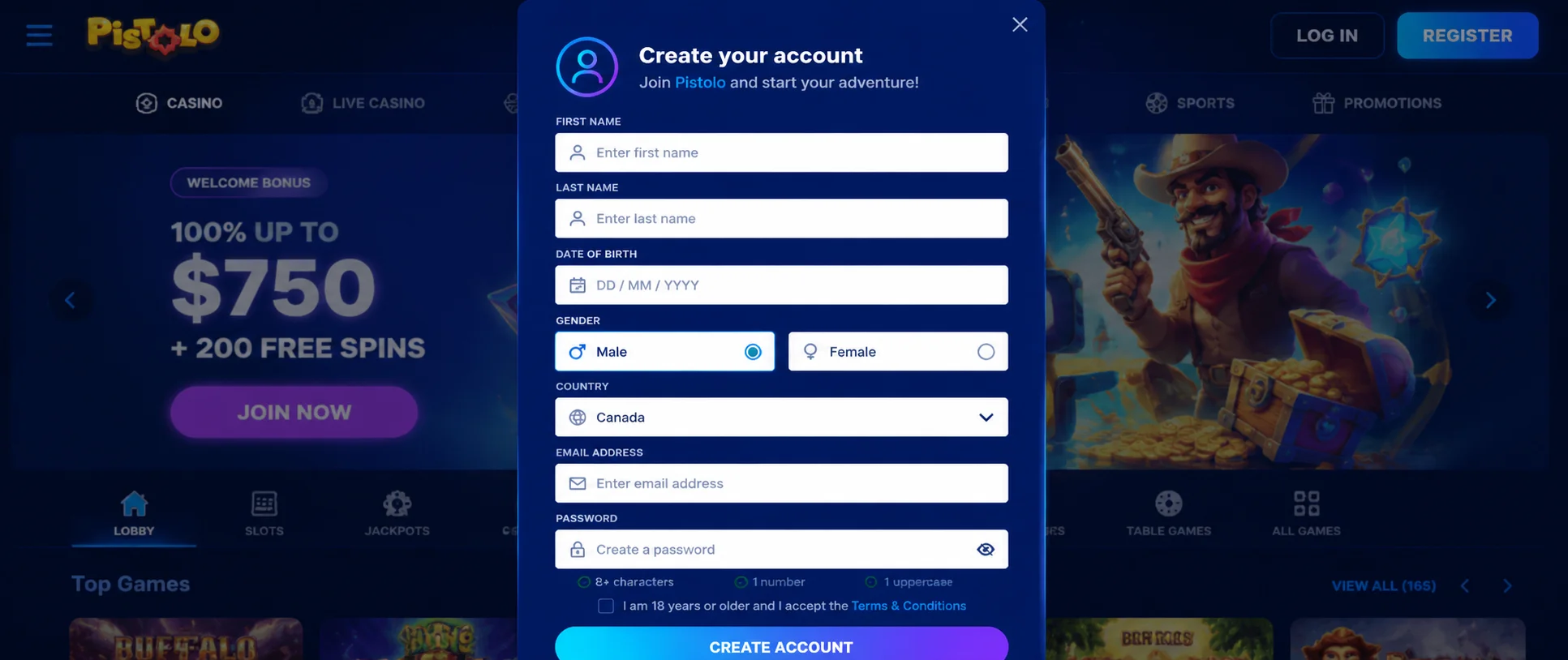
Only two pieces of information are required for the Pistolo Casino login. The first is the email address used at registration, and the second is the password chosen at that time. The password is case-sensitive. The email is matched regardless of capitalisation. Anyone without an account yet can open one from the registration button on the Pistolo Casino homepage. Registration takes a few minutes and costs nothing. Once created, the same credentials work on any device without further setup.
Steps to complete the Pistolo Casino login
- Open a browser and go to the official Pistolo Casino website.
- Find the login button in the top-right corner of the page.
- Enter the email first, then the password, checking that Caps Lock is off.
- Submit the form. The account opens immediately, showing balance, history, and active bonuses.
Anyone unsure about the characters they just typed can reveal them with the eye icon next to the password field. A password manager saved in the browser removes manual typing entirely: select the email field and confirm the suggested details. The same sequence for the Pistolo Casino login applies on Windows, macOS, Android, and iOS.
Forgotten password: how to reset it
Forgetting a password does not require contacting Pistolo Casino support. The registration email is enough. From the Pistolo Casino login screen, select the recovery link positioned under the password field. Enter the email address linked to the account and submit the request. The reset message usually arrives within 1 to 5 minutes, so check the spam folder if it does not appear. From that message, a new password can be set. Each reset link works once and expires, so a missed window means repeating the request. Once the password is changed, the Pistolo Casino login works again right away.
Pistolo Casino login not working: common causes
Most login issues on Pistolo Casino clear up within minutes once the cause is identified.
| Symptom | How to fix it |
|---|---|
| The login button does not respond to clicks. | Re-enable JavaScript and temporarily disable the ad blocker for the Pistolo Casino site. |
| Email or password is flagged as incorrect. | Turn off Caps Lock, reveal the password with the eye icon, and try every email used in the past. |
| The Pistolo Casino login page freezes or will not load. | Clear the browser cache and cookies, then reload the page. |
| The registration email cannot be recalled. | Search the inbox for the Pistolo Casino welcome email, or ask the live chat team. |
| The account is locked after several failed attempts. | Wait a few minutes before trying again; if the lock remains, contact Pistolo Casino support via live chat. |
| PlayID sign-in does not start. | Try again after a short wait, or complete the Pistolo Casino login with email and password instead. |
Pistolo Casino login from smartphone and tablet
On smartphone and tablet, the Pistolo Casino login follows the same logic as desktop. Only the screen size changes, not the order of steps. The email and password fields stay wide and easy to tap. There is no app to download from a store. Pistolo Casino runs as a Progressive Web App on both Android and iOS. PlayID remains a convenient shortcut on mobile for anyone who prefers not to type credentials on a touchscreen. An icon added to the home screen skips reopening the browser on every visit. It is reached through the three-dot menu on Chrome for Android or the share button on Safari for iOS.
Just the registered email and its matching password, or PlayID as the single alternative. No SMS code or extra authenticator app is needed to complete the Pistolo Casino login.
Yes. Select the recovery link on the Pistolo Casino login screen and enter the registered email. Then follow the message, which typically arrives within 1 to 5 minutes.
Yes. The credentials created at registration stay valid on computer, smartphone, and tablet. No extra setup is needed for the Pistolo Casino login.
PlayID is an external service that manages sign-in and money movement together. On Pistolo Casino it covers deposits from €10 to €2,000 and withdrawals from €20 to €1,500. Credentials do not need to be re-entered each session.
Yes, the same connection method applies on mobile and desktop. On shared or public devices, signing out at the end of the session remains good practice.